How Smartphone Trade-In Value Windows Follow Predictable Depreciation Curves and When to Act Before the Offer Drops
Robert Kim
09/14/2026
5 min read
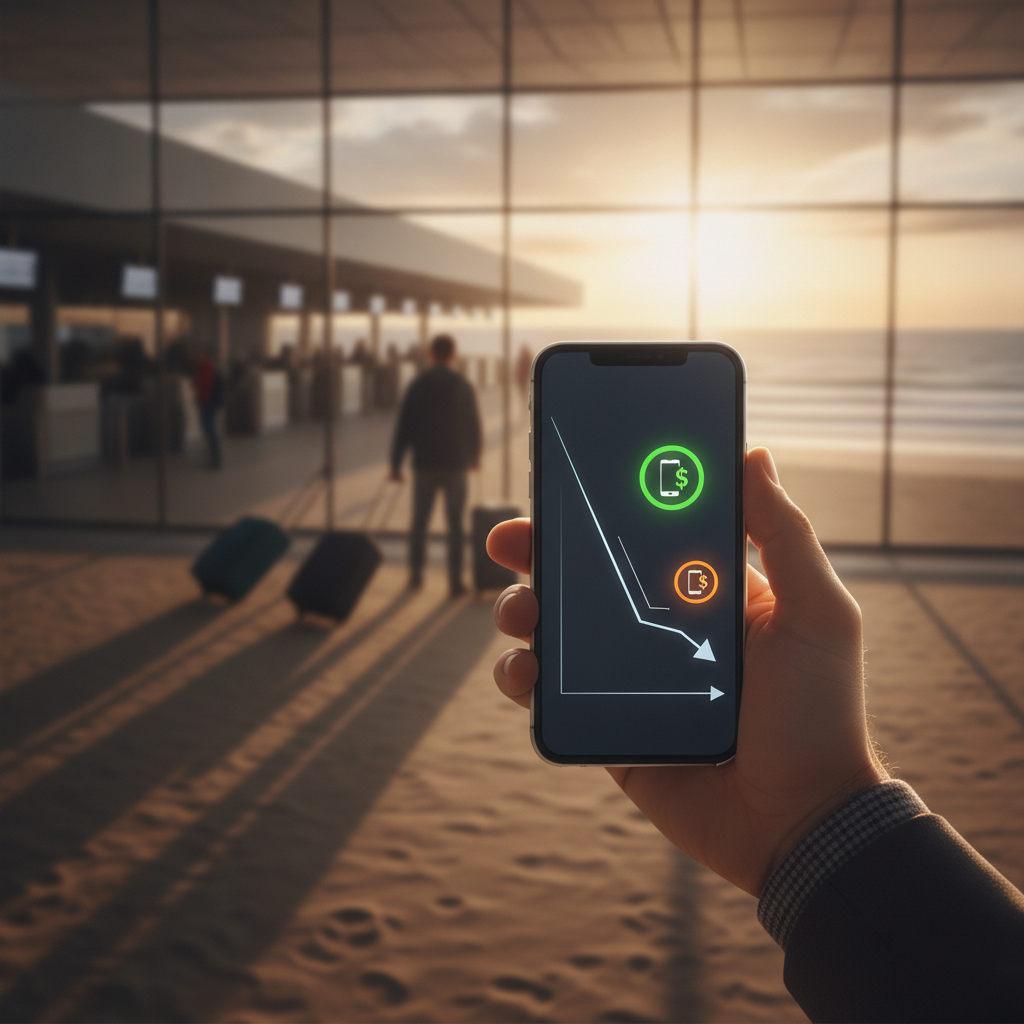
Smartphone trade-in values don't drop randomly — they follow a pattern that's remarkably consistent across major retailers, and once you understand the rhythm, you can time your trade almost as precisely as a well-placed travel booking. Whether you're eyeing Apple, Samsung, or Google's latest release, the depreciation curve moves in predictable stages, and retailers like Best Buy, Apple, and Verizon all build their trade-in windows around the same underlying logic. The good news is that you don't need to be a tech analyst to use this to your advantage.
Understand How the Depreciation Curve Actually Works
Every smartphone starts losing value the moment a new model is announced — not when it releases, but when it's announced. That's when trade-in programs quietly begin adjusting their ceilings. The steepest drop typically comes within the first few weeks after a new flagship launches, as retailers recalibrate their offers to reflect market saturation of the older model. After that initial cliff, depreciation slows but continues steadily. Knowing this two-phase pattern — sharp drop, then gradual slide — tells you exactly where the urgency sits.
Watch the Announcement Window, Not the Release Date
Most people wait until a new phone is in stores before thinking about their trade-in, which is already too late for peak value. The smarter move is to monitor manufacturer announcement events — Apple's September keynote, Samsung's Galaxy Unpacked, Google's Made by Google event — and submit or lock in your trade-in offer within days of the announcement. Retailers often hold promotional trade-in values open briefly after announcements to drive pre-order volume. That short window is frequently the highest offer you'll see for the outgoing model.
Compare Offers Across Multiple Retailers Before Committing
Trade-in values for the same device can vary significantly between Apple's own trade-in program, carrier offers through AT&T or T-Mobile, and third-party platforms like Decluttr or Swappa. Carrier promotions occasionally beat manufacturer programs by a meaningful margin, but they usually require switching plans or adding a line. Third-party resale platforms often offer more for devices in excellent condition because they resell rather than recycle. Running a parallel comparison across two or three channels takes about ten minutes and can meaningfully shift your outcome.
Know What Condition Grading Actually Costs You
Retailers grade trade-in devices on a spectrum — typically good, fair, and poor — and the difference between tiers is not trivial. A cracked screen or malfunctioning button can push your device into a lower tier and reduce the offer substantially. Before submitting a trade, it's worth calculating whether a screen repair from a reputable shop like uBreakiFix would cost less than the grade penalty you'd absorb. In many cases, a minor repair investment converts a fair-condition offer into a good-condition offer, and the math works out in your favor.
Lock In Offers Before Locking In Your Purchase Decision
Most major retailers and carriers allow you to generate a trade-in quote before you've committed to buying anything. Use that to your advantage. Get the quote, note the expiration date — usually 30 days — and then use that window to compare final purchase pricing across channels. If you find a better deal elsewhere, the quote still gives you a benchmark. Some programs, like Apple's trade-in estimator, even let you mail the device later once you've confirmed the offer, which removes time pressure from the equation.
Track Promotional Boost Periods at Major Retailers
Several times a year — typically around Black Friday, back-to-school season, and major product launches — retailers run trade-in promotions that temporarily inflate offers well above the standard curve. Best Buy and Verizon are particularly consistent about this. These boosts are time-limited and sometimes tied to specific purchase requirements, but if your timing aligns with a natural upgrade cycle, they're worth building your schedule around. Following retailer email lists or setting alerts through apps like Honey can surface these events before they're widely promoted.
Don't Wait for "One More Month" Unless You Have a Reason
One of the most common and costly habits in smartphone trading is the impulse to wait — assuming that holding another month won't matter much. But depreciation compounds. What looks like a small drop per week accumulates faster than most people expect, especially once a device crosses the twelve-to-eighteen-month threshold from its release. Unless you have a specific promotional event on the near-term calendar, the next best time to act is now, not after another cycle passes. Waiting rarely closes the gap; it usually widens it.
Use Trade-In Credit Strategically, Not Automatically
Retailers often push you toward applying trade-in credit immediately toward a new device purchase, but that's not always the optimal move. Some programs offer higher credit when applied to specific products or financing structures. Others allow you to bank credit as store currency, which gives you flexibility to use it when a better deal appears. Understanding the credit structure before you finalize anything can give you a small but meaningful edge — particularly at retailers like Best Buy where rewards and trade-in credit can sometimes stack with other promotions.
Timing a smartphone trade-in well isn't complicated once you know what to look for. The depreciation curve is predictable, the promotional windows are recurring, and the comparison tools are free to use. A little attention to timing — especially around product announcement cycles — can turn what most people treat as a passive transaction into a genuinely smart financial move. Start by checking the current offer on your device today and noting when it expires.
More Trending Articles

What First-Time Visitors to Faroe Islands Consistently Underestimate About Weather Windows, Permit Requirements, and Getting Between Islands Without a Rental Car
Robert Kim
10/04/2026